Index page
Back
Check this selection of new features:

Full-window editing

Tag-view editing

Source-view editing

Image properties editing

Table properties editing

Paste from Word

VEM Enhanced Template Editor

In response to much demand, we are introducing a new VEM template editor to allow you to create better HTML templates for use in email activities.

This new editor is based on the class-leading CKEditor, which is used in many CMS (content management systems) and by many corporates.

It supports a rich variety of editing possibilities. In this bulletin we cover just a small selection of the additional features.

In addition we are including an VEM-integrated trial version of CKFinder to greatly ease uploading images you use in your template. You can license this at low cost to remove the 'nag' banner.

Remember, this is just a small selection of the additional features...

UpMaxmize: You can utilise the full browser window for editing your HTML email. Simply switch back to normal view to save.
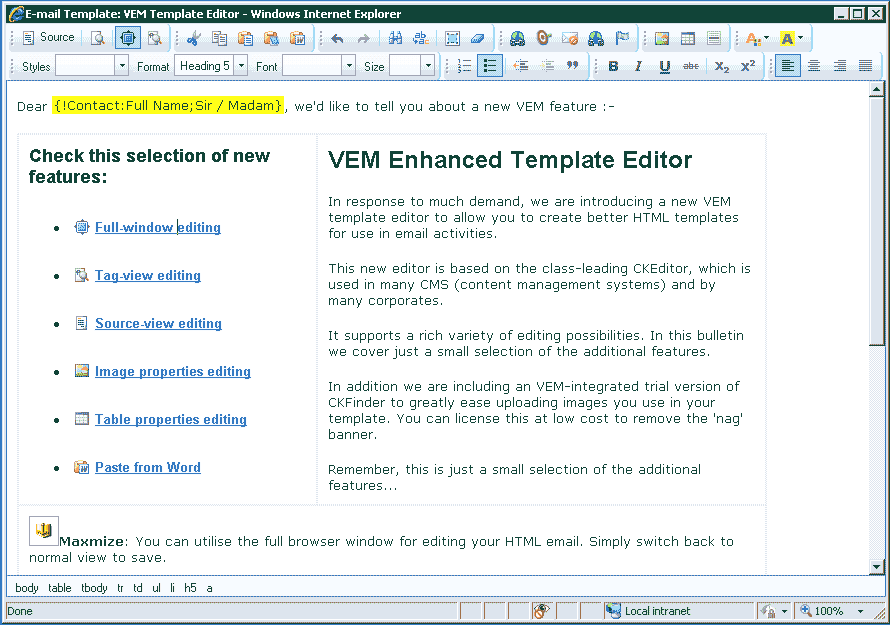
Maxmized Edit Screenshot

UpShow Blocks: You can see the structure of your email in paragraphs or headings.
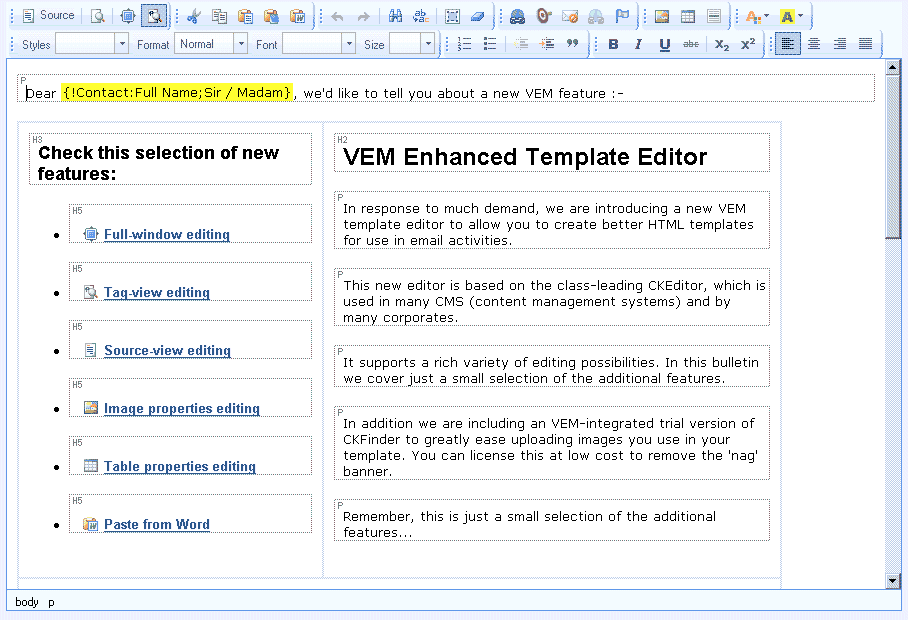
Tag View Screenshot

UpSource: You can view and edit the source HTML code.
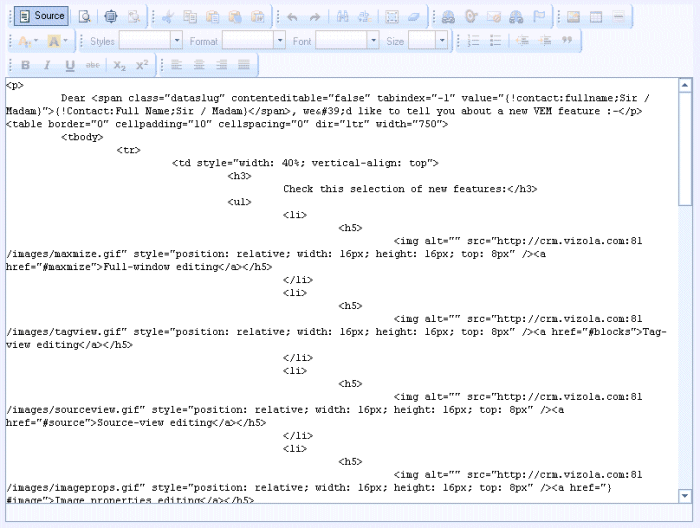
Source Edit Screenshot

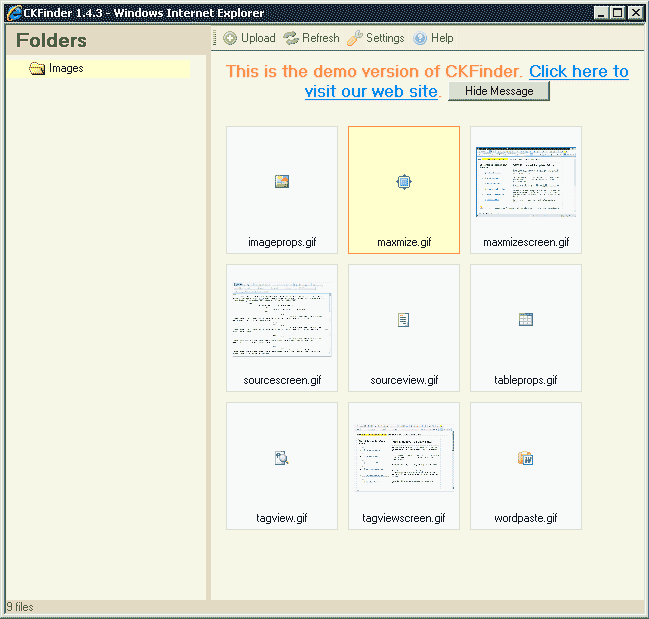
UpImage Properties: You can introduce images into your email. Plus VEM comes with a fully working trial version upload manager which you can license at low cost.
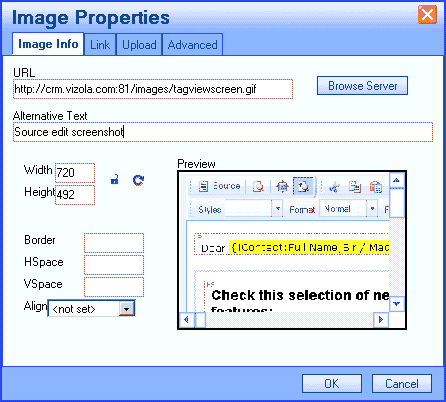
Image Properties ScreenshotCKFinder Screenshot

UpTable properties: You can create and edit tables to control the layout of your email. For ease of use you can see the cell borders dotted during editing.
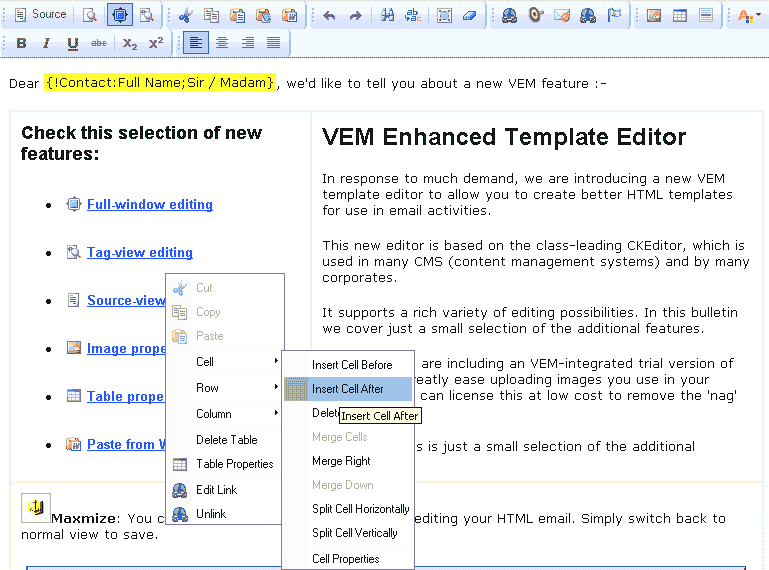
Table Properties Screenshot

UpWord Paste: You can paste directly from MS Word and remove the markup which is not useful for HTML emails, whilst maintaining content structure. Alternatively, you can use the Plain-text paste option to remove all formatting and styles and inherit that in the existing document.


Top | Back
Copyright 2000-2011. Vizola Technology. All rights reserved. All trademarks acknowledged. Privacy statement